Complete Document Version Control for Every Compliance File
Documents Compliance Network’s document version control software automatically tracks every change made to your compliance documents — who edited what, when, and why — and stores a complete, time-stamped history you can preview, download, or restore with one click. Built on Microsoft Azure cloud infrastructure for food, pharma, manufacturing, and retail teams, our version control system replaces messy file names, lost edits, and outdated documents with a centralized, audit-ready platform that keeps every team working with the latest version, every time.
Stay Compliant, Stay Current, Stay in Control

Failed Audits
Outdated documents can lead to compliance failures
Operational Delays
Working with wrong versions causes project setbacks
Regulatory Risk
Improper version control exposes you to violations
DCN Eliminates These Risks
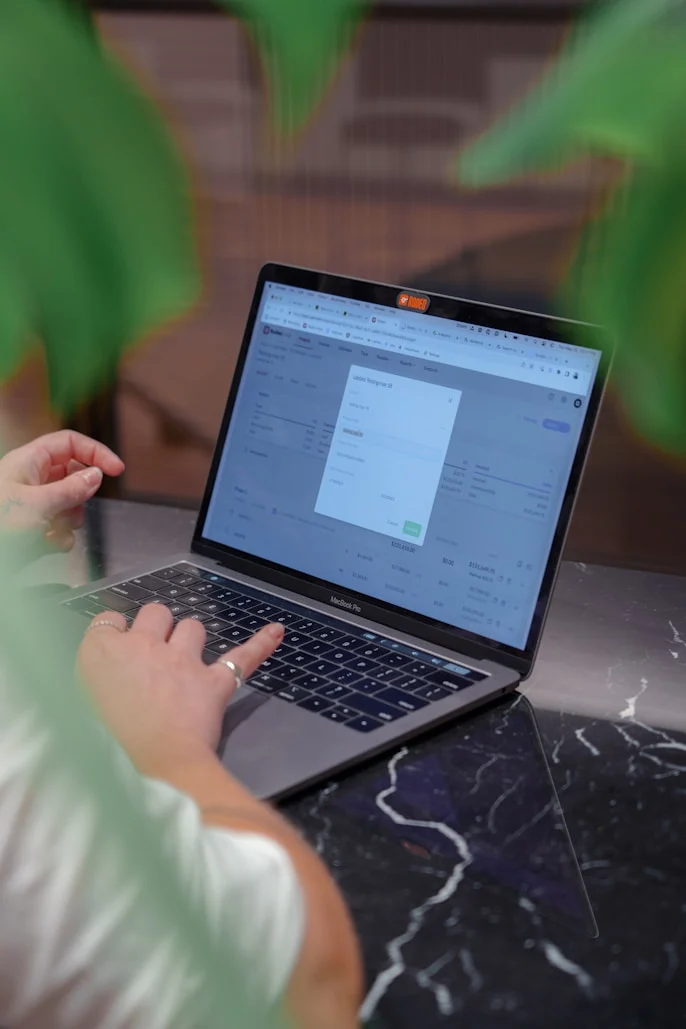
Every document change is automatically tracked, timestamped, and stored securely. Never lose track of what changed, when, or who made the update.
How Version Control Works in DCN
Simple, automated, and completely reliable version management
- Edit or Replace Documents
- Automatic Version Logging
Access or Restore Previous Versions Instantly
No more guessing which file is final. You can preview, download, or restore previous versions of any document in just a few clicks.
- Preview Any Version
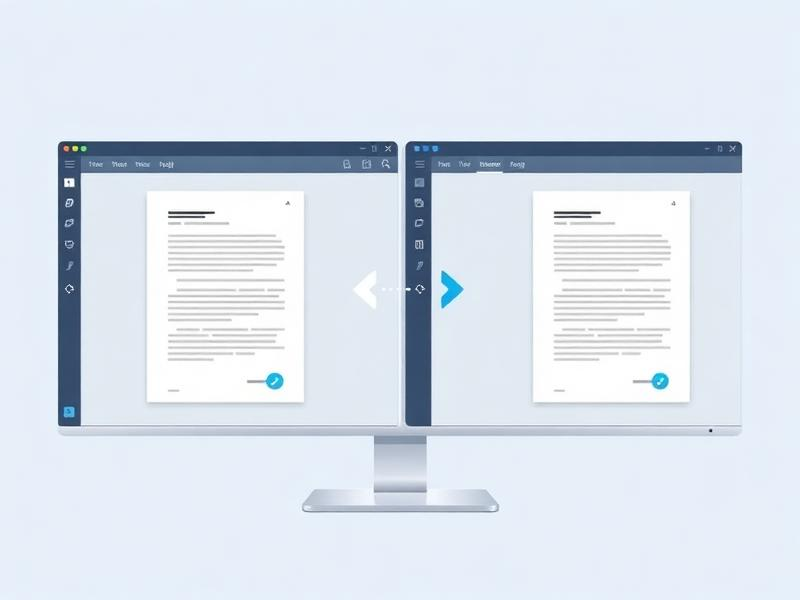
View any historical version side-by-side with the current document. See exactly what changed between versions.
- Download Previous Versions
Need an older version for reference? Download any previous version instantly with full metadata preserved.
- Restore Your Document
Never miss a review our dashboard reminds you to update internal documents annually so you’re always prepared before audit time.
- Stay on top of annual document reviews with DCN.
DCN reminds you to review and update documents before every audit keeping you always prepared
Stay Alerted to New Versions Automatically

Vendor email notifications
Vendors receive notifications directly in their inbox

In-app notifications
Stay updated while working in the platform

Vendor re-submission reminders
Automated follow-ups for pending documents

Track document progress in real time
Monitor progress from Pending → Approved → Replaced
- Pending
- Approved
- Replaced
Document Status Tracking
Users receive notifications at every status change, ensuring complete transparency and eliminating confusion about document states.
What You Gain with Document Versioning
Transform your compliance management with comprehensive version control
- Prevent audit failure due to outdated docs
Always maintain the most current versions with complete audit trails
- Full traceability of every file change
Know exactly what changed, when, and who made the modification
- Easy collaboration with internal teams
Teams always work with the right version, eliminating confusion
- Confidence in file integrity
secure storage ensures your documents are protected and accessible, so teams always work with the right version.
- One-click rollback if needed
Instantly restore any previous version without losing data
Have Questions?
Frequently Asked Questions About Version Control
Everything you need to know about version control for document compliance — how it works, what it includes, and how it keeps your documents accurate.
What is document version control?
Document version control is the process of systematically tracking, managing, and storing changes made to a document over time. It ensures that the latest approved version is always in use while maintaining a full history of previous revisions for audit and compliance purposes.
Why is version control essential for compliance?
Regulatory standards such as ISO 9001 and FDA 21 CFR Part 11 require documented evidence that documents are reviewed, approved, and revised in a controlled manner. Proper version control provides the audit trail needed to demonstrate compliance and avoid costly audit failures.
What should a version control log include?
A version control log should capture:
- Version or revision number
- Date of revision
- Author and approver details
- Summary of changes made
- Effective date and reason for revision
What is the difference between a major and minor version?
A major version (e.g., v1.0 → v2.0) reflects significant changes in content, policy, or structure that may require re-approval and re-training. A minor version (e.g., v1.0 → v1.1) typically covers small corrections or formatting updates that do not change the core intent of the document.
How should obsolete document versions be handled?
Obsolete documents should be clearly labelled, removed from active use, and archived securely. They must be retained for a period defined by your regulatory or organizational retention policy, with access restricted to authorized personnel only.
Does version control apply to both digital and paper documents?
Yes. Version control applies to both formats. Digital documents benefit from automated tracking through Document Management Systems, while paper-based documents rely on manual revision logs, clear version numbering on each page, and a controlled distribution list.
Who is responsible for document version control?
A Document Controller or Quality Manager typically oversees the version control process. Document owners are responsible for initiating reviews and drafting revisions. Clear role definitions should be outlined in your organization’s Document Control Procedure.
How often should documents be reviewed and updated?
Most organizations schedule periodic reviews annually or biannually. However, documents should also be reviewed immediately after regulatory changes, process updates, audit findings, or incidents that reveal inaccuracies or gaps.
What are the most common version control mistakes to avoid?
Common mistakes include:
- Using vague file names like “Final” or “Latest”
- Skipping formal approval for minor changes
- Not notifying stakeholders of new versions
- Storing uncontrolled copies in multiple locations
- Failing to archive or properly retire obsolete versions
Ready To See Version Control In Action?
Get a personalized walkthrough of document compliance features in just 15 minutes — no obligation.
👁️ 177 Views